
Speak. Release. Done.
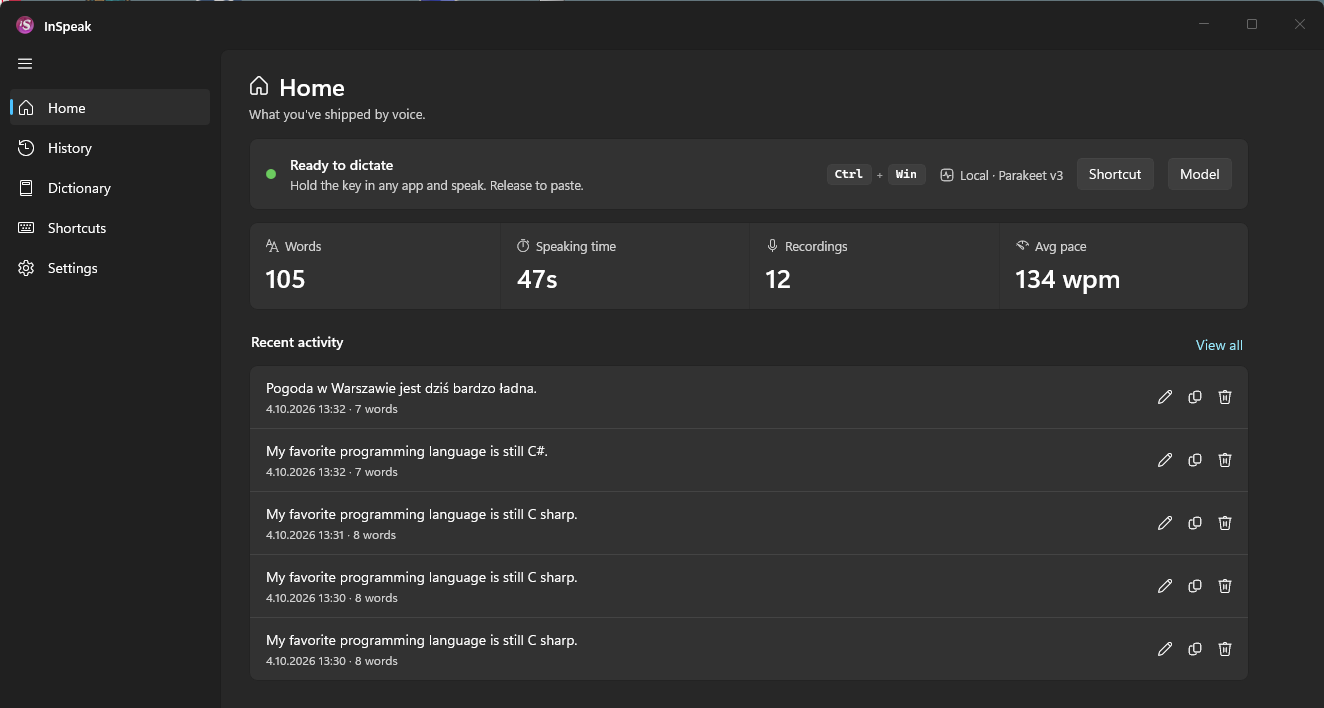
Hold to record, release to paste. Choose your own keyboard or mouse shortcut, or use a toggle.
 inSpeak
Your words, straight into your apps.
Hold a shortcut. Speak your mind. Release to paste.
Local voice dictation, quietly at home on Windows.
Preview · Private repository
Your voice stays on your PC.Download the speech model once.
Dictate locally, without sending audio to a cloud service.
Keep the app you’re working in.
inSpeak brings the words to you.
The changes are ready. Just one thing to check.
Your next sentence starts here…
Back to the work that matters.Watch the recording, release and text insertion. Your microphone stays off.
A shortcut, a microphone,
and your usual app.
Hold to record, release to paste. Choose your own keyboard or mouse shortcut, or use a toggle.
Parakeet v3 runs locally after a one-time download. Your history and dictionary stay on this PC.
Automatic language detection and punctuation. One model, 25 European languages.
Audio levels while recording, status while processing. Keep it in one place or let it follow your cursor.
Names, acronyms, project terms. Save the spelling you want, add pronunciation variants and set correction rules for specific apps.
Search, copy or correct a past dictation. Your history stays on this PC.
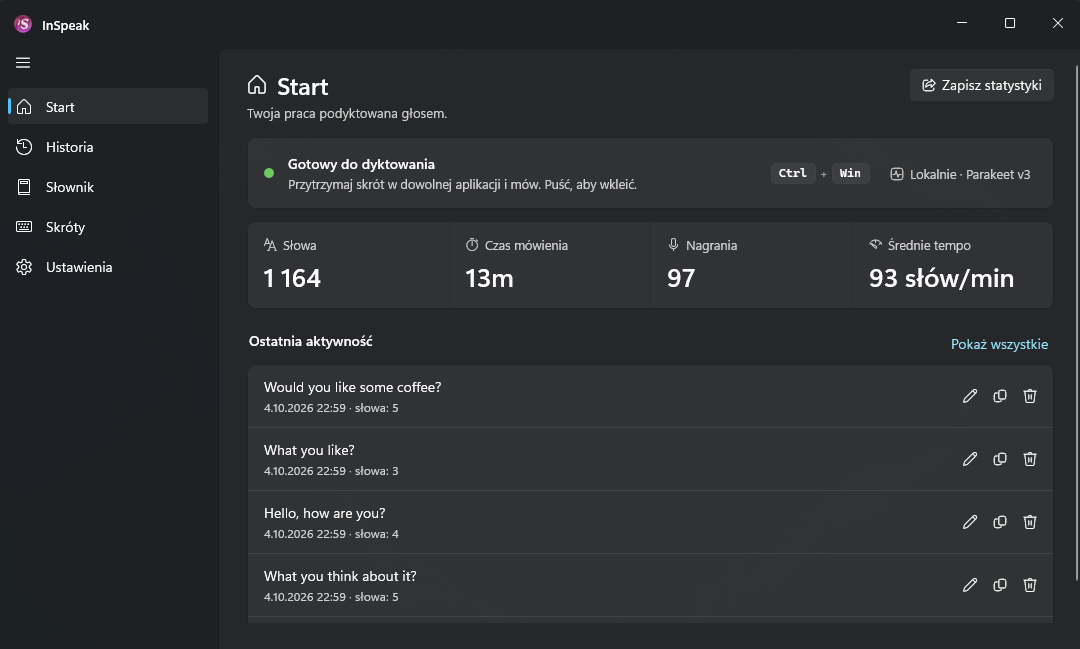
A Windows PC and a microphone. Setup guides you through choosing your input device, downloading the speech model and setting your shortcut.
Speech recognition runs locally. An internet connection is needed for the initial model download; you can then dictate without a cloud speech service.
Into the active application through the configured insertion method. You can review and copy your dictations from the local history.
inSpeak is in development. The GitHub link leads to a private repository and requires access. Public releases will come later.
inSpeak for Windows.
View on GitHubWindows · Repository access required